SingleTone › Match photo colours
Match the colours of your photos so they all look the same
Photos from one day rarely match: one is warm, one is blue, one is too dark. SingleTone reads every photo, relights it and pulls the whole set toward one tone, so a feed, a carousel or an album looks like a series instead of a pile.
Match your photosFree · no sign-up · nothing uploaded
As shot
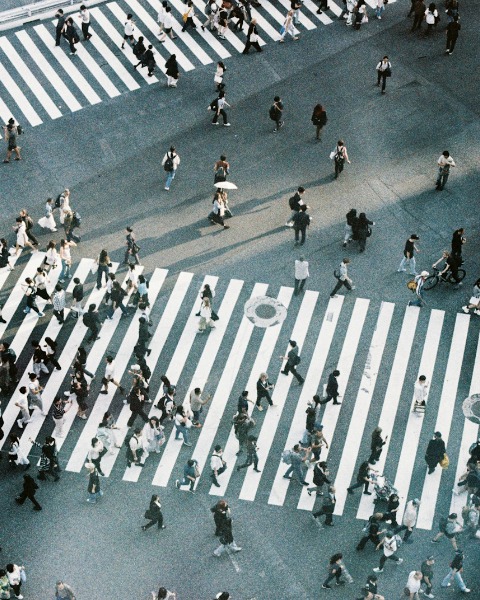
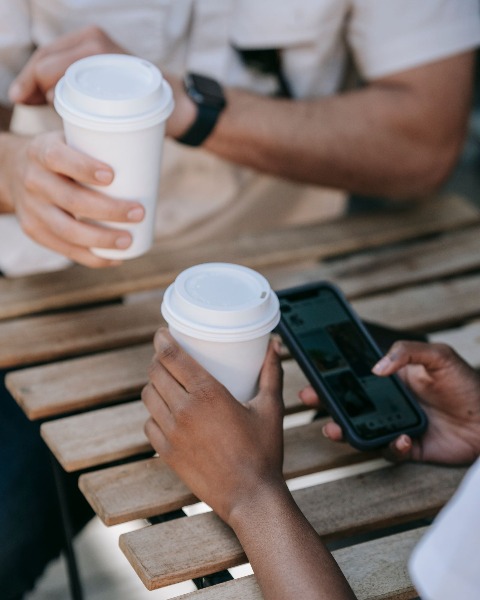
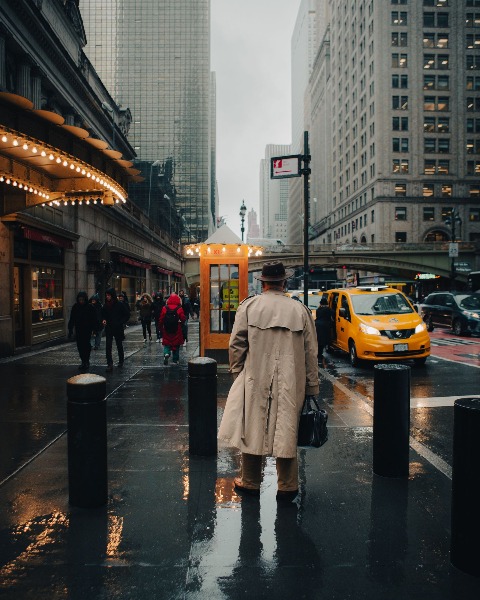
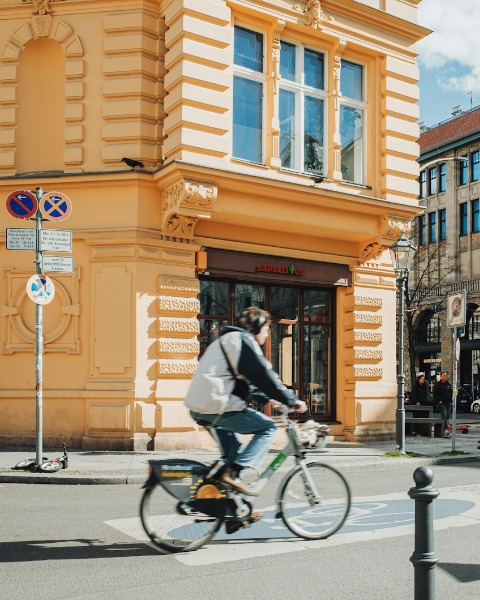
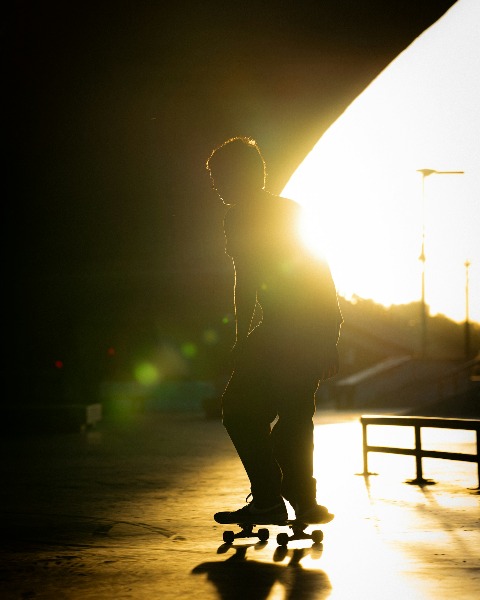
Matched in SingleTone
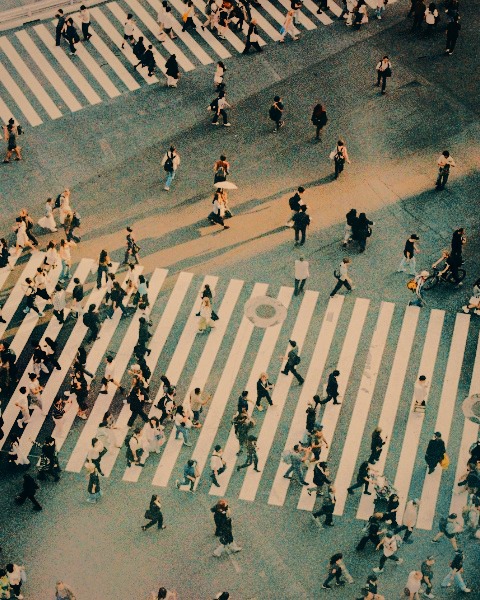

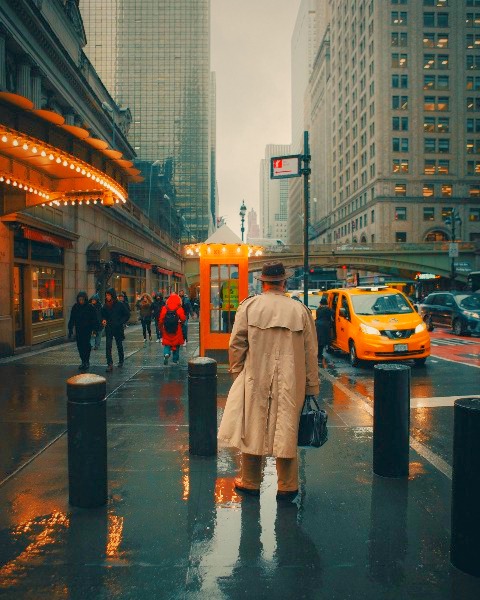
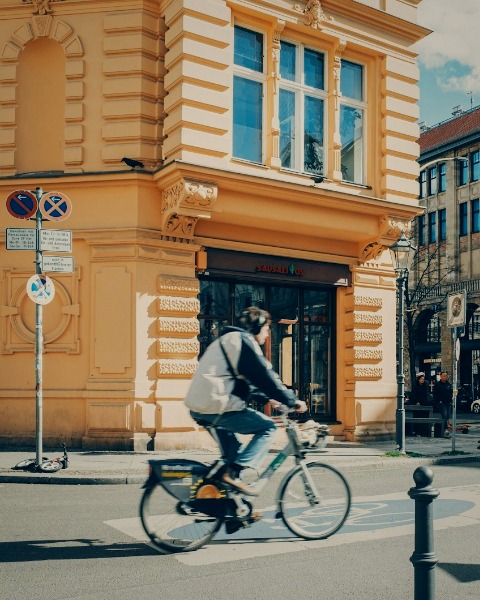
How to match photo colours
- Drop up to 10 photos or videos into SingleTone.
- As they arrive, each one is relit and the set is matched to one tone. Pick a photo for the others to match, or match them all toward each other.
- Turn up Recolour to bring the colours they share to one hue, add a look if you like, and export.
What gets matched
Colour cast
A warm indoor shot and a blue outdoor one meet in the middle, or at the photo you choose.
Brightness and tone
Dark and bright shots are brought to the same exposure, contrast and black level.
Shared colours
Recolour turns the colours the photos share (skies, foliage, warm light) to one hue, without touching brightness, greys or skin.
A live check
Under every photo runs a strip of its colours, so you can watch the set line up as you edit.
Questions
How many photos can I match at once?
Up to 10 photos or videos in one set. Projects are saved in your browser, so you can come back to a set later.
Can I choose which photo the others follow?
Yes. Set any photo as the anchor and the others are matched toward it.
Will it change skin tones?
Matching evens out the light and the colour cast; Recolour leaves brightness, greys and skin as they are.
Is it free, and are my photos uploaded?
Free, with no sign-up or watermark. No. Everything happens in your browser, on your device: the photos are edited and exported where they are, and SingleTone never receives them.
Free · no sign-up · nothing uploaded
Match your photos